A separate Next.js front and Payload CMS, tag-based revalidation, Lexical blocks, an idempotent seed with its screenshots, and a flash-free light theme. A guided tour, with screenshots taken locally.
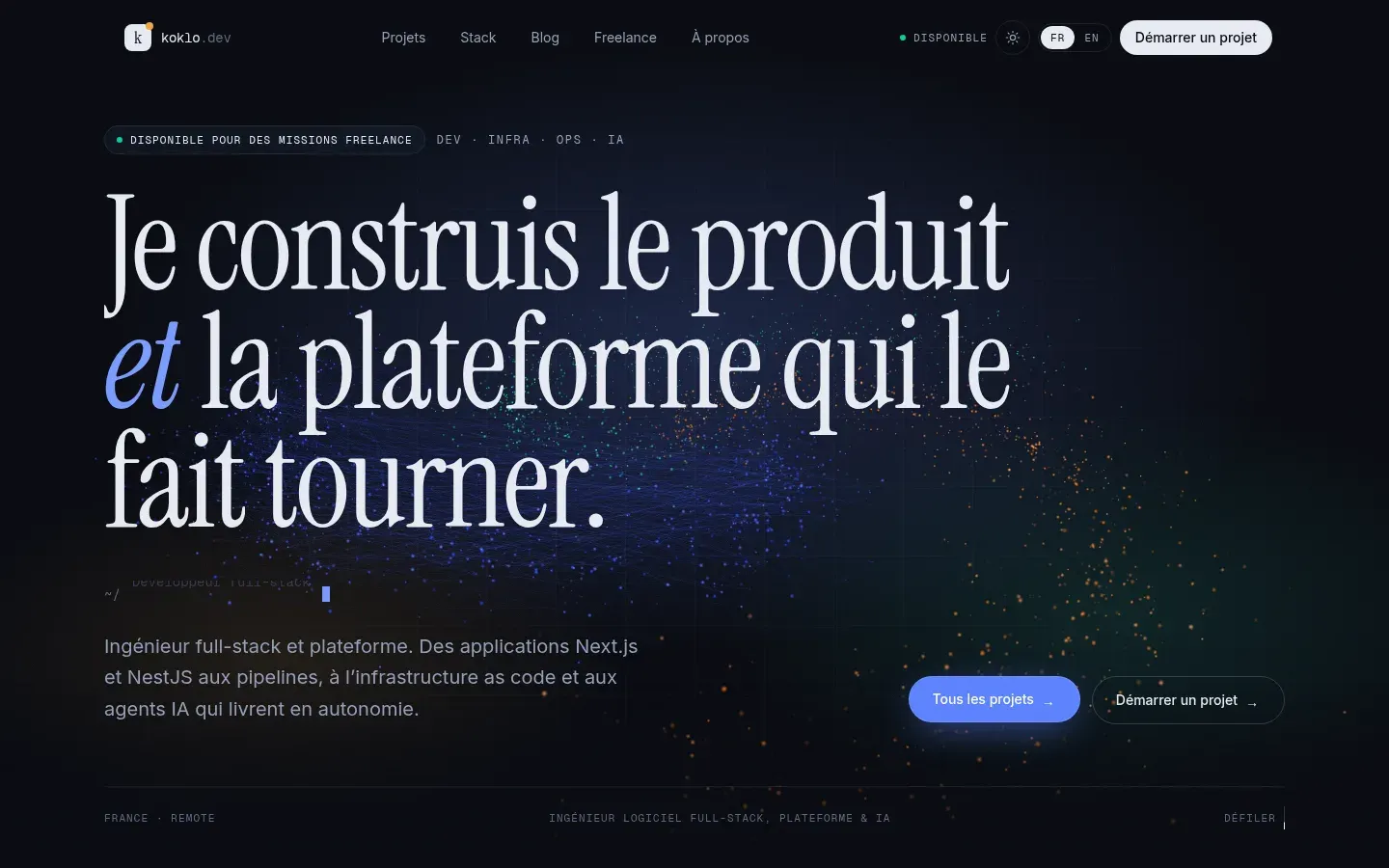
The site you are reading is my portfolio. It had to show my projects and posts in French and English, and I wanted to update it without redeploying. I also wanted it built the way I build for clients: typed, tested, deployed from a manifest. Here is how it works, with screenshots taken on my machine.
Two apps, one monorepo
The repo is a pnpm monorepo driven by Turborepo. It holds two applications and two packages:
apps/web: the public site, in Next.js 16 with next-intl for FR and EN.apps/cms: Payload 3, its admin and its REST API, on PostgreSQL. Media goes to MinIO through the S3 plugin.packages/cms-types: the types Payload generates, imported by the front. If I rename a field, the front stops compiling.packages/config: shared TypeScript and ESLint configuration.
The front and the CMS are two separate services. The front never touches the database: it reads the CMS REST API like any other client. Images don’t go through it either; the browser reads them straight from the media domain.
That split has a cost: the front has to be told when content changes. But it keeps the admin and its heavy dependencies out of the public site, and each service builds and restarts on its own.
An admin built for writing
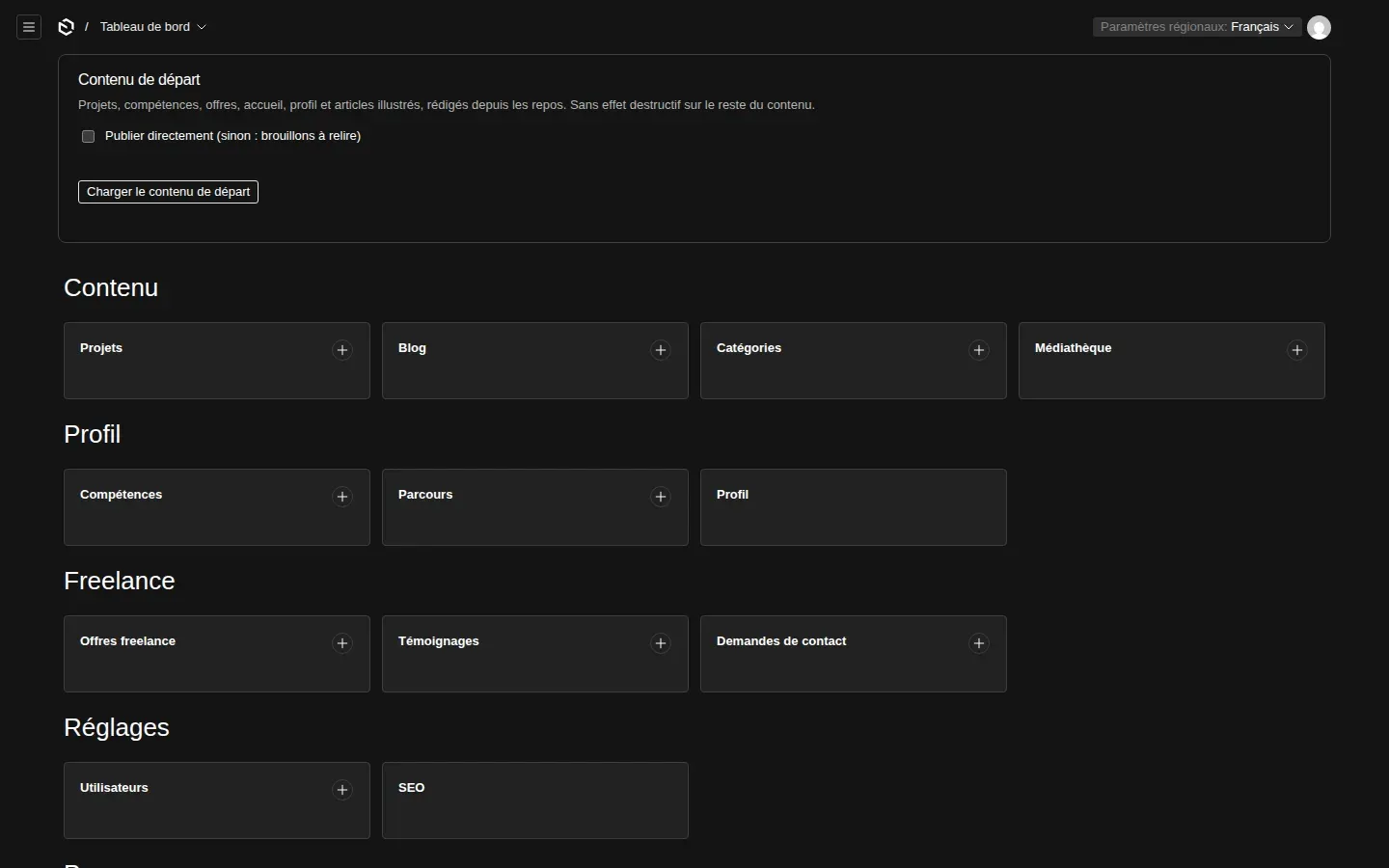
The admin is where I spend the most time, so I laid it out the way I write: content (projects, blog, media), profile, freelance, then settings. A project is filled in three tabs. The overview feeds the card and the header, the case study feeds the story, and SEO feeds the meta tags.
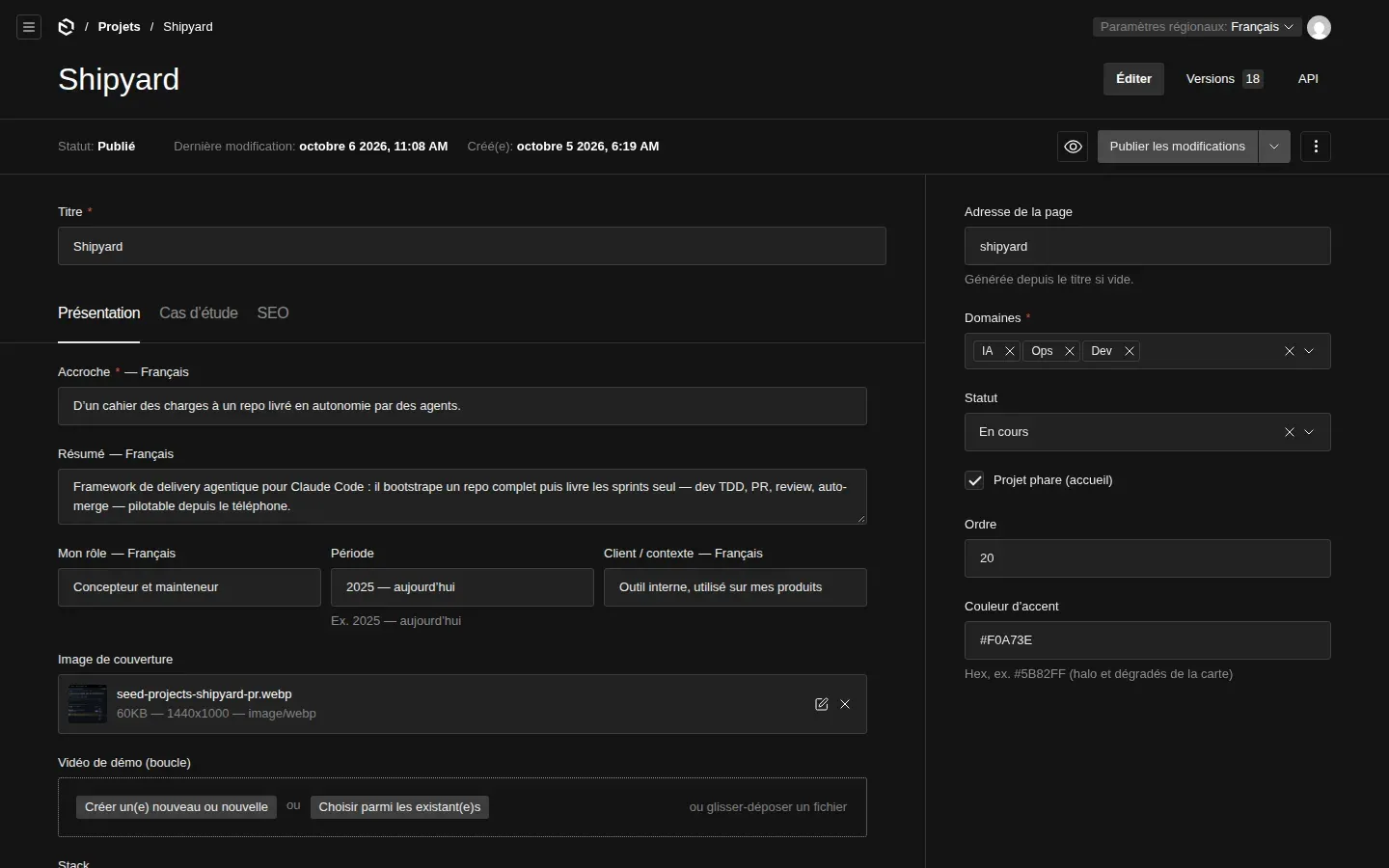
Text fields are localised. I fill in French, switch the locale to English at the top right, and get the same form. Fields that don’t depend on language, such as the slug, the stack, the links or the accent colour, are entered once. Drafts and autosave are on, and a preview button opens the draft page on the front.
Blocks instead of HTML
A project story and a post body use Payload’s Lexical editor. On top of text, lists, tables and images, I added five blocks: code, callout, Mermaid diagram, terminal and YouTube video.
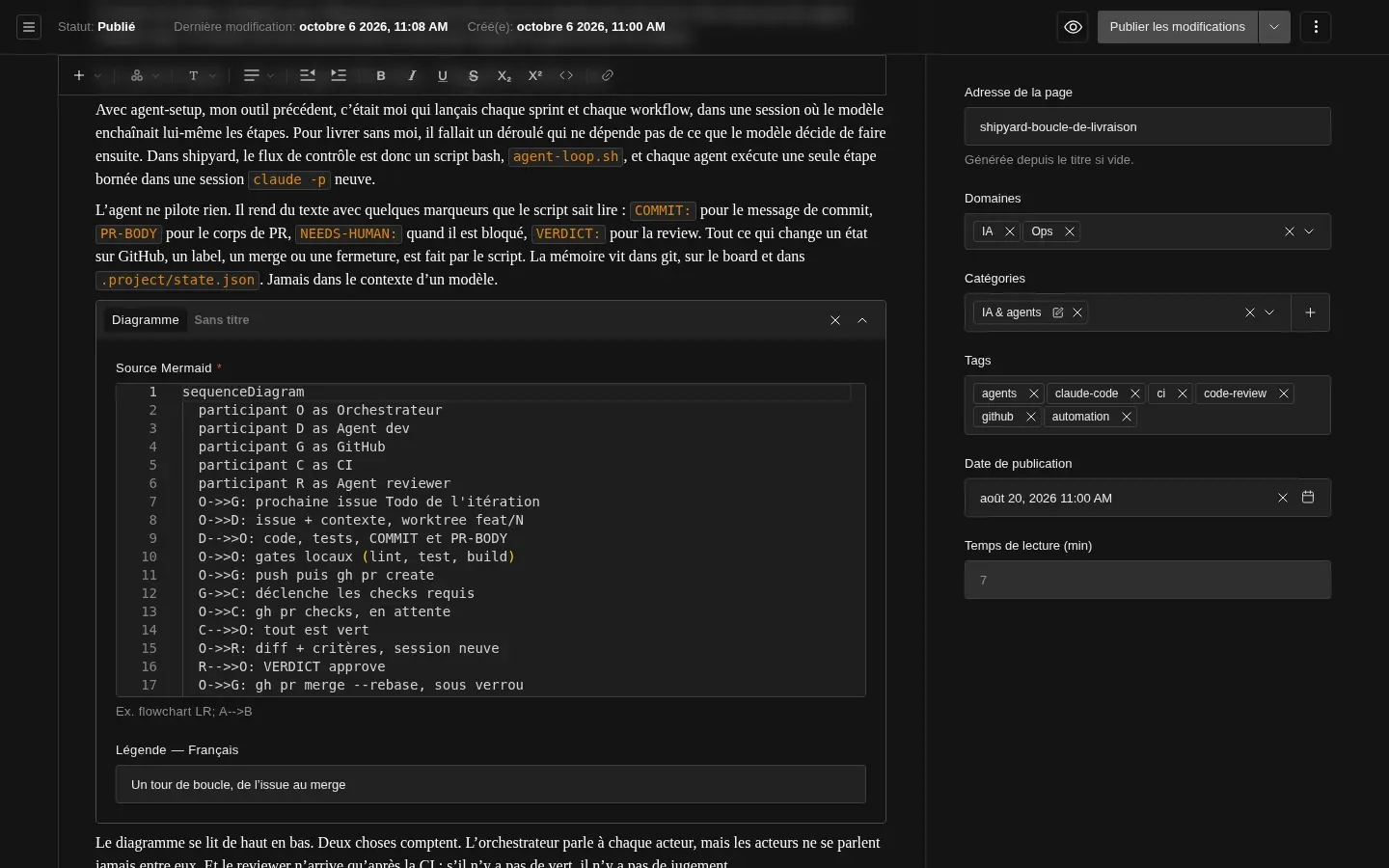
Each block has its own component. Code is highlighted on the server by Shiki, with GitHub light and dark themes, and nothing is shipped to the browser for it. Mermaid goes the other way: the library is heavy, so it only loads when the diagram scrolls into view, and its colours are read from the current theme tokens. The diagrams in this post are examples.
Publishing without redeploying
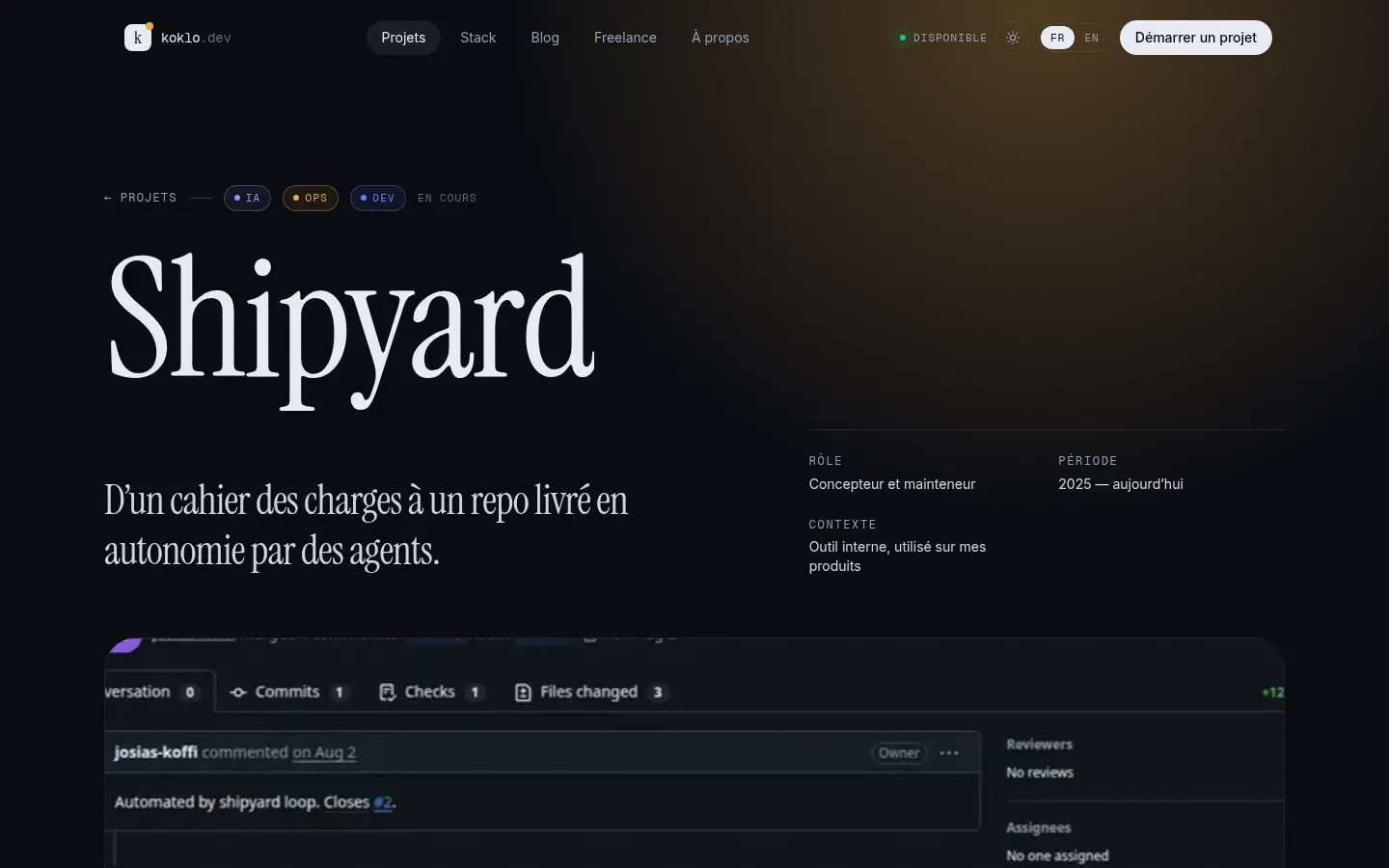
The front caches every CMS response with tags: projects, projects:shipyard, posts, and so on. When I save a document, an afterChange hook in the CMS calls /api/revalidate on the front with a shared secret, and the matching tags are invalidated. The next request rebuilds the page with fresh content, then serves it from cache.
export async function revalidateWeb(tags: string[], req?: PayloadRequest) {
  const url = process.env.WEB_URL
  const secret = process.env.REVALIDATE_SECRET
  if (!url || !secret || req?.context?.disableRevalidate) return
  try {
    const res = await fetch(`${url.replace(/\/$/, '')}/api/revalidate`, {
      method: 'POST',
      headers: { 'content-type': 'application/json', 'x-revalidate-secret': secret },
      body: JSON.stringify({ tags }),
      signal: AbortSignal.timeout(5000),
    })
    if (!res.ok) req?.payload.logger.warn(`revalidate ${tags.join(',')} → HTTP ${res.status}`)
  } catch (err) {
    req?.payload.logger.warn({ err }, `revalidate ${tags.join(',')} failed`)
  }
}
Two rules show in that code. An unreachable front never blocks a save: the call times out after 5 seconds and a failure is only a warning in the logs. And the seed can turn revalidation off document by document, then do it once at the end. The cache also has a one-hour maximum lifetime, as a safety net if an invalidation gets lost.
Starter content, loaded from the admin
An empty portfolio can’t be proofread. So I wrote the starter content in code: projects, skills, services, profile and posts, each in FR and EN, written from the projects’ own repos. It loads from the dashboard button, as drafts or published straight away.
The seed is idempotent. Documents are found by slug and updated, never duplicated. Images are webp files versioned in apps/cms/seed-assets/. Each one is uploaded once, tracked by a stable name such as seed-projects-jobspark-dashboard.webp, then referenced by key in the text. A test checks that every referenced image exists on disk.
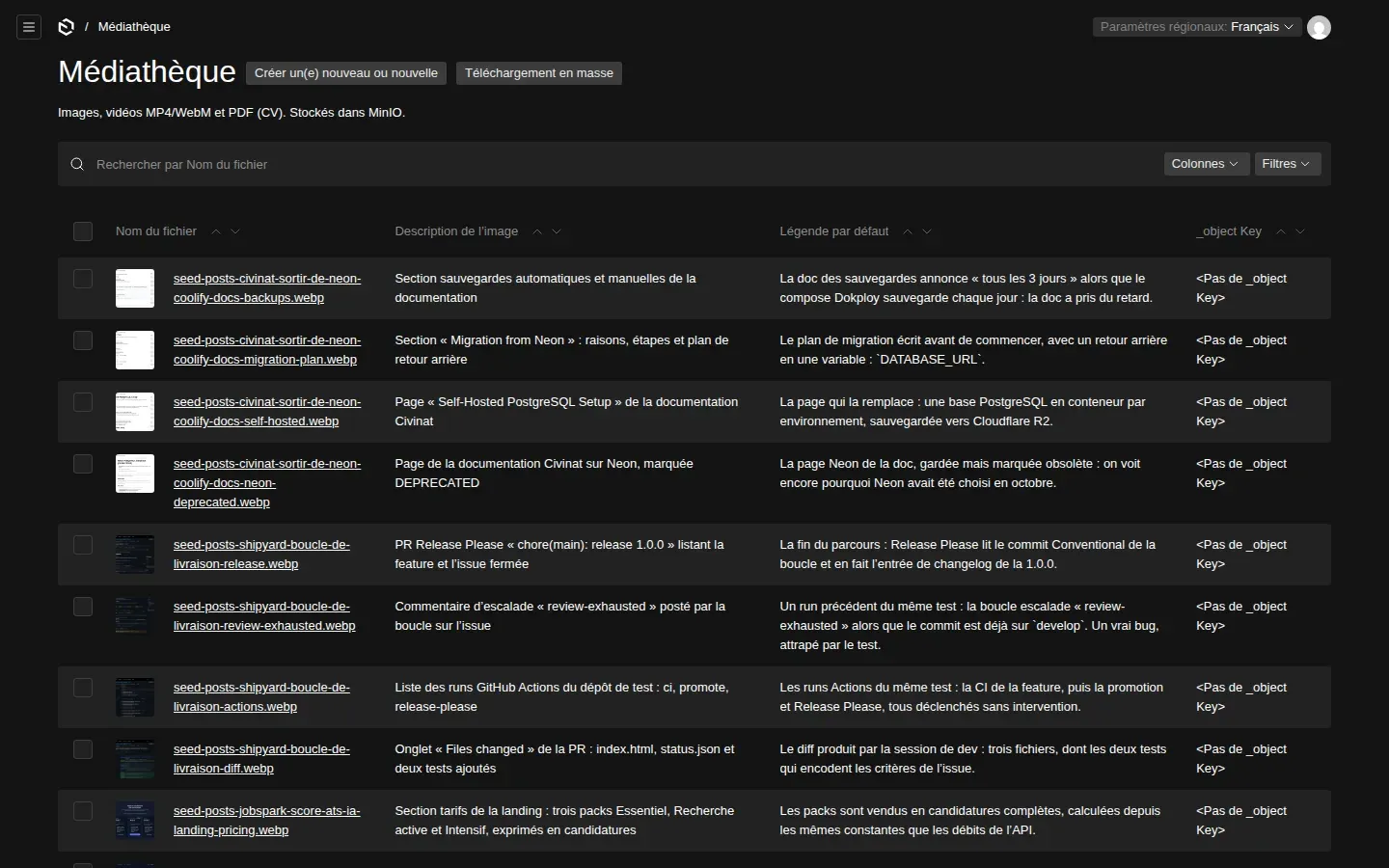
The screenshots come from a small Playwright script that reads a JSON list of shots: URL, session cookie, theme, area to crop. It took the Jobspark, Civinat and Koklo screens, run locally on demo data, and the ones in this post.
The bug the seed taught me
On the first run, the database held 62 media documents, but only 2 images existed in MinIO. The other pages showed their alt text. The cause was one line. The seed passed the same context object to every Payload call. The storage plugin sets a skipCloudStorage flag in that context while it saves an upload’s metadata. With a shared object, the flag leaked into the next uploads, which were then silently skipped.
-const ctx = { disableRevalidate: true }
+// Un objet neuf par appel : le plugin de stockage pose des drapeaux dans
+// `req.context`, et un contexte partagé lui ferait sauter les uploads suivants.
+const ctx = () => ({ disableRevalidate: true })Light, dark, and no flash
The site follows the system theme until the visitor picks one, then remembers the choice. Every colour is a CSS variable redefined under [data-theme="light"], so no component knows about the theme. The hard part is the first paint: if the theme is set after hydration, the page flickers. A two-line inline script in the <head> sets the attribute before anything is drawn.
// Pose data-theme avant le premier rendu (choix mémorisé, sinon thème système) : pas de flash.
const THEME_SCRIPT = `try{var t=localStorage.getItem('theme');
  if(t!=='light'&&t!=='dark')t=matchMedia('(prefers-color-scheme: light)').matches?'light':'dark';
  document.documentElement.dataset.theme=t}catch(e){}`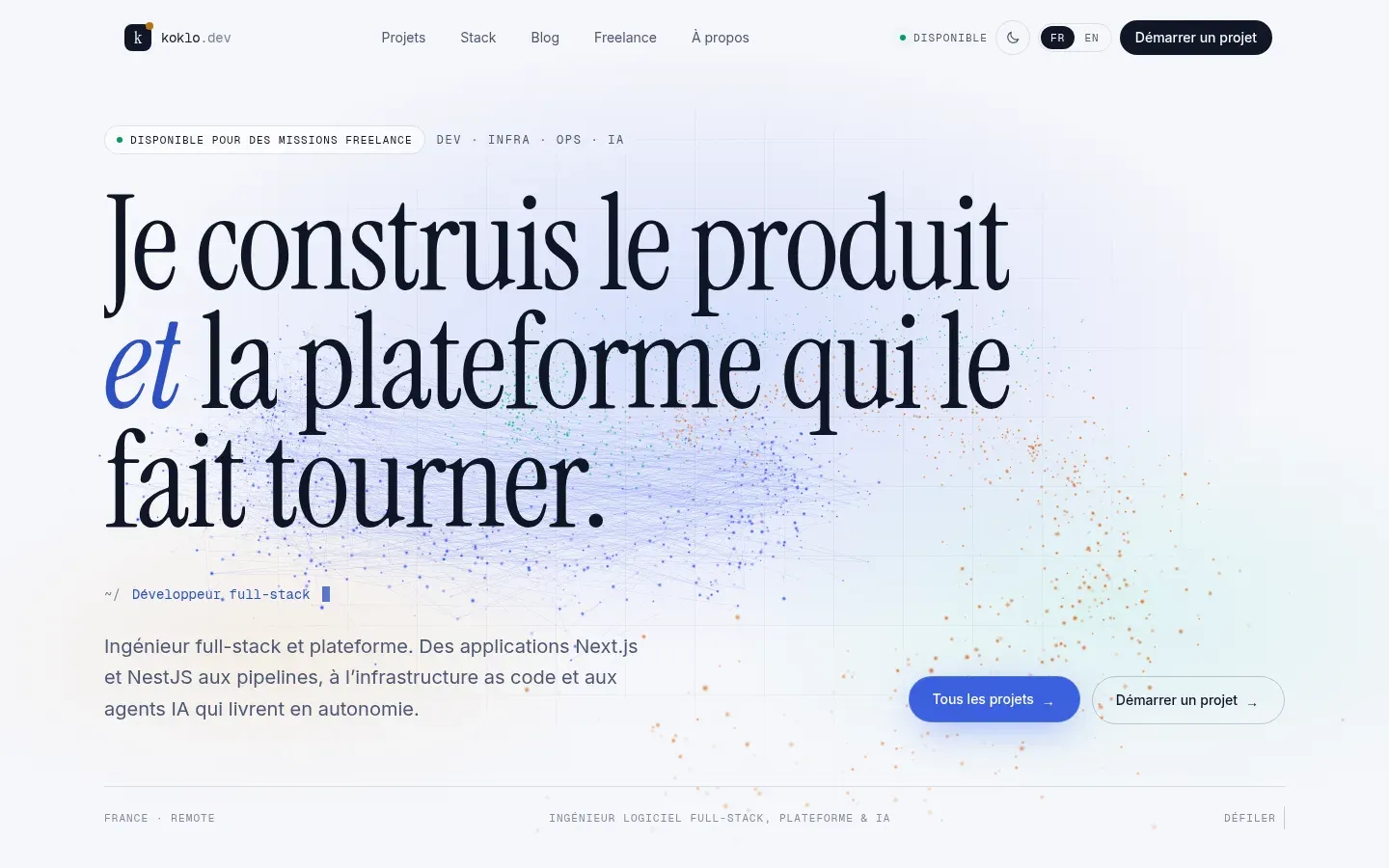
On the React side, the theme is read with useSyncExternalStore on the document attribute. The toggle, the Mermaid diagrams and theme-dependent images update together, with no React context to pass down.
In production
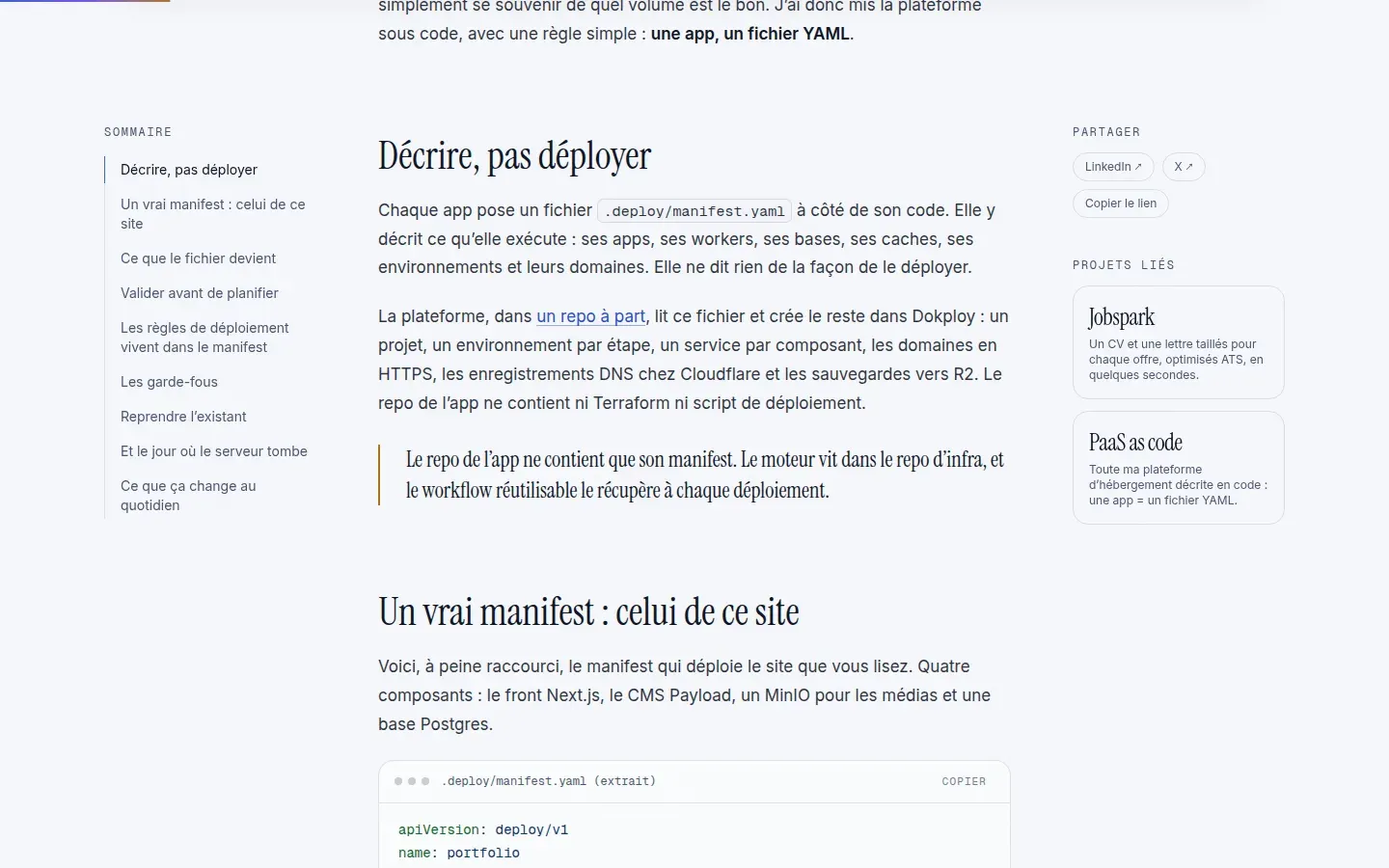
The site is deployed by my PaaS as code. A .deploy/manifest.yaml file describes four services: the front, the CMS, MinIO and Postgres. Staging deploys on every push to develop, production on demand. Two details come from this project:
PAYLOAD_SECRETand the MinIO root keys are locked secrets: changing them would invalidate sessions and MinIO’s encrypted config, so the platform refuses to let them change.- The CMS healthcheck returns 503 until
onInithas run. On the first staging deploy, a failed first init left a “healthy” CMS with no bucket and no admin account. Now the orchestrator restarts the container.
What I take away
Splitting the front from the CMS cost me a revalidation mechanism, but it is what lets me publish a fix in one click without touching the deployment. Putting the starter content in code, images included, turned out more useful than expected: it gets code-reviewed, it is tested, and a fresh environment is presentable in a minute. And the shared-context bug reminds me that an import that “succeeds” proves nothing until you look at the result.
#payload#nextjs#turborepo#lexical#mermaid#playwright#minio